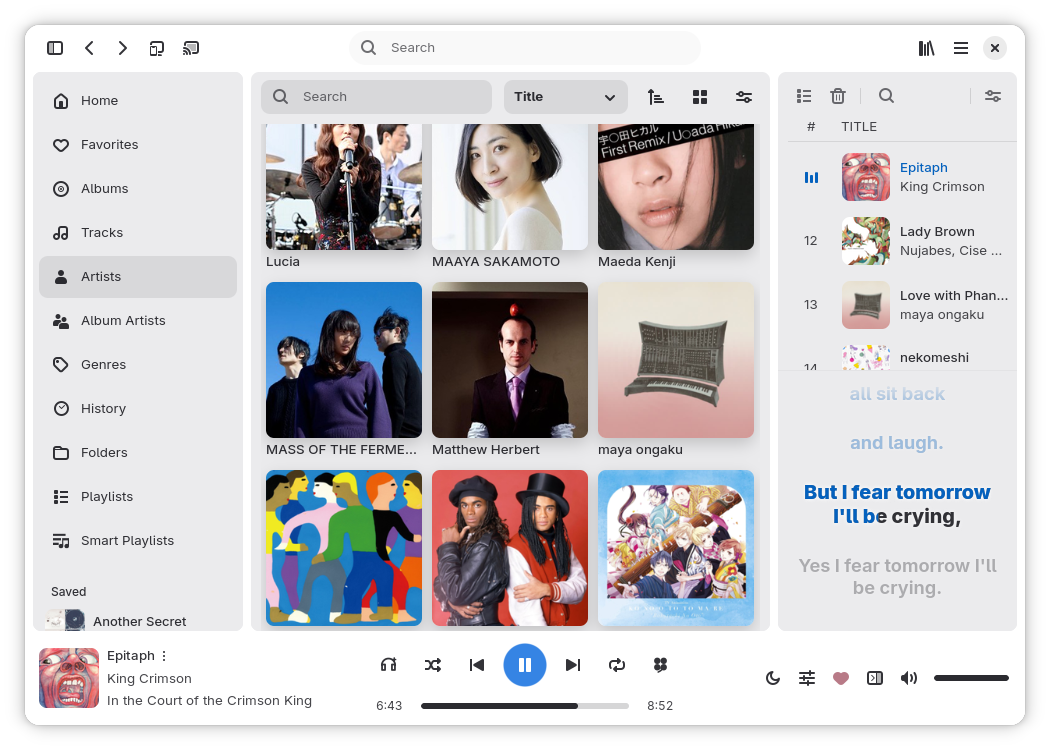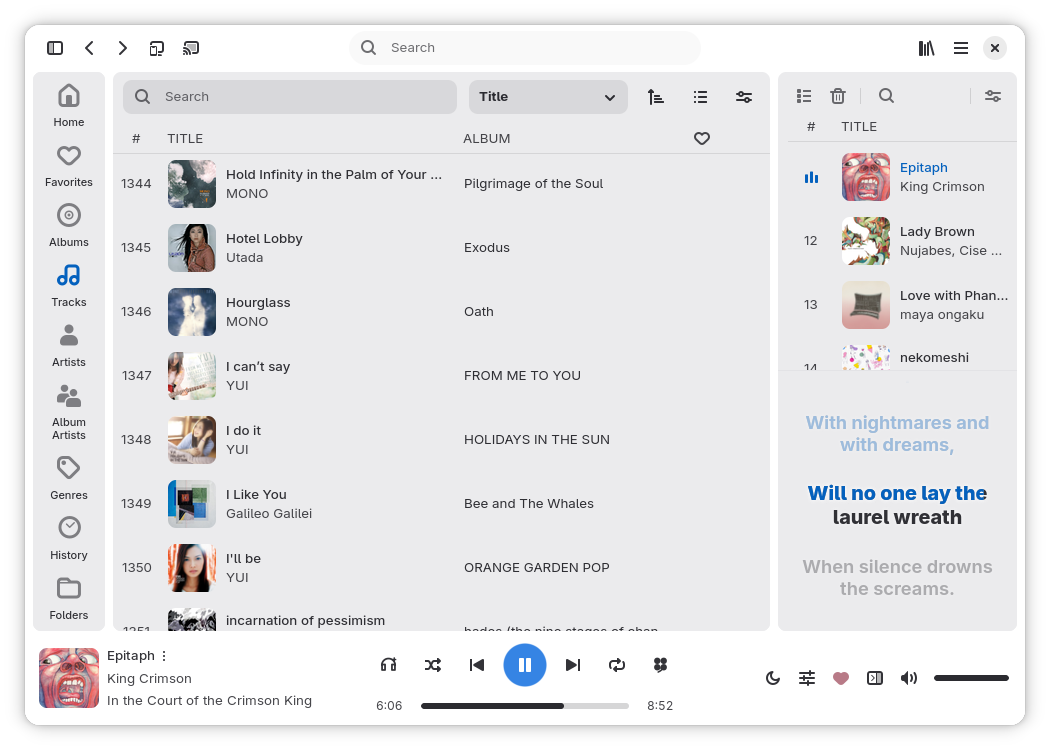


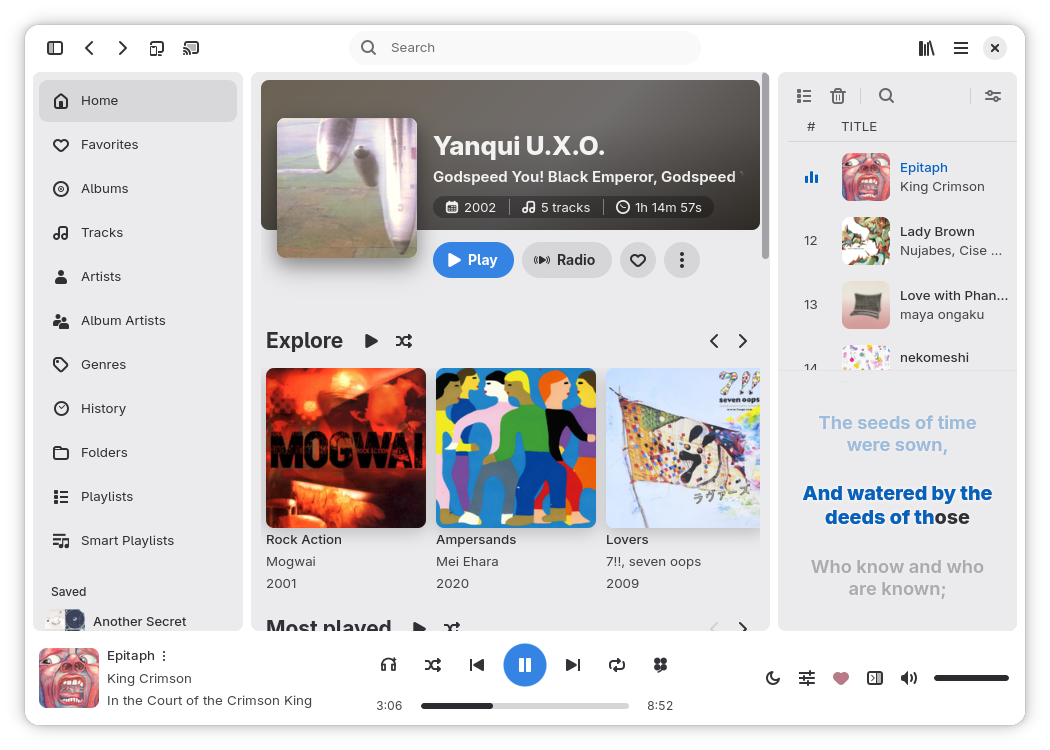
Rufin is a fast, native music player for local folders, network shares and music servers, on Linux, Windows, macOS and Android. It offers deep customization for its appearance and behavior, a rich library browsing and management experience with in-app lyrics, metadata and artwork searching & editing, and a careful playback engine powered by GStreamer.

Rufin Connect securely syncs your devices and moves playback between them; Rufin can also run headless, be scripted, or be controlled from its Web UI.

Download Rufin

Sources

Source Favorites, ratings and playlists Metadata editing Also
Local folders Kept by Rufin Written to the files Folders are watched for changes
WebDAV / Nextcloud Kept by Rufin Written to the files No mount needed
SMB / Samba Kept by Rufin Written to the files No mount needed, share discovery
Jellyfin On the server Over the server API Instant Mix, live library updates
Emby On the server; ratings kept by Rufin Over the server API Instant Mix, live library updates
Navidrome / OpenSubsonic On the server Through matched local files Radio, public share links
Plex On the server; favorites kept by Rufin Over the server API Recommendations, Plex Companion, Home profiles

Downloaded tracks, and tracks of a server matched to local folders, play from disk while activity still goes to the server. You can also configure a local and public address for a server.

Features

Playback

  • Recommendations: configurable recommendation engine powered by ListenBrainz for queue and track radios
  • Queue: Auto DJ keeps it filled with recommendations, skips unavailable tracks automatically, sleep timer
  • Transitions: true gapless playback or equal-power crossfade, with an optional fade on play/pause
  • Loudness: ReplayGain and EBU R128 normalization with true-peak analysis; results can be written to tags
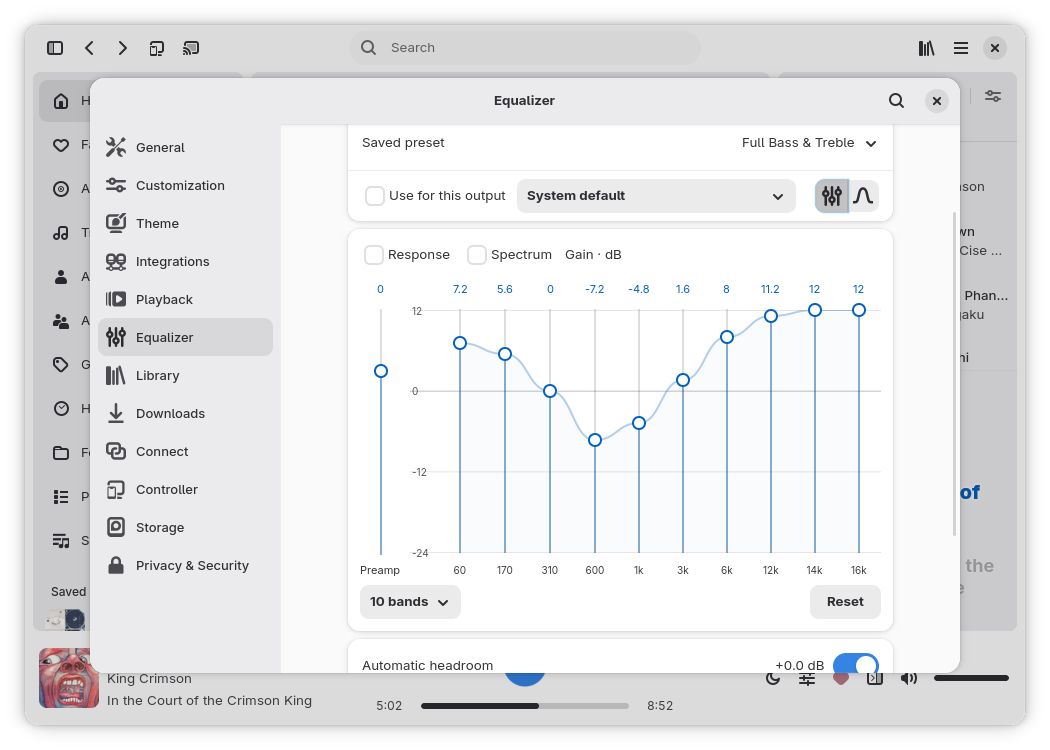
  • Sound: graphic (10, 18 or 31 bands) and parametric equalizer with saved presets per device and AutoEQ/APO import, crossfeed, playback speed and pitch
  • Radio: select a configured radio station or add one yourself; artwork and lyrics are resolved best-effort, with synced lyrics for LISTEN.moe
  • Output: audio device selection, multichannel output and Dolby/DTS bitstream passthrough, casting to UPnP and Chromecast
  • Formats: broad codec support and CUE sheets as separate playable tracks
    Supported formats

    AAC and ALAC (including M4A/MP4), AIFF and WAV, APE, FLAC, TTA and WavPack, MP1/MP2/MP3 and Musepack, Ogg Vorbis/Opus/Speex, MKA and audio-only WebM, WMA/ASF, DSD, tracker modules such as MOD/XM/IT/S3M/MPTM, and emulated game music such as NSF/VGM.
Rufin Connect

  • Syncs sources, credentials, playlists, favorites, pins, preferences and listening history between your devices; queues, downloads and local paths stay per device
  • Continue playback where another device left off, or control what another device is playing
  • Stream your local music library to another device
  • Devices pair with emoji verification (like Matrix) and connect over encrypted Iroh links, directly or through a relay you choose; an encrypted sync folder (local, WebDAV or SMB) covers devices that are never online together

Integrations

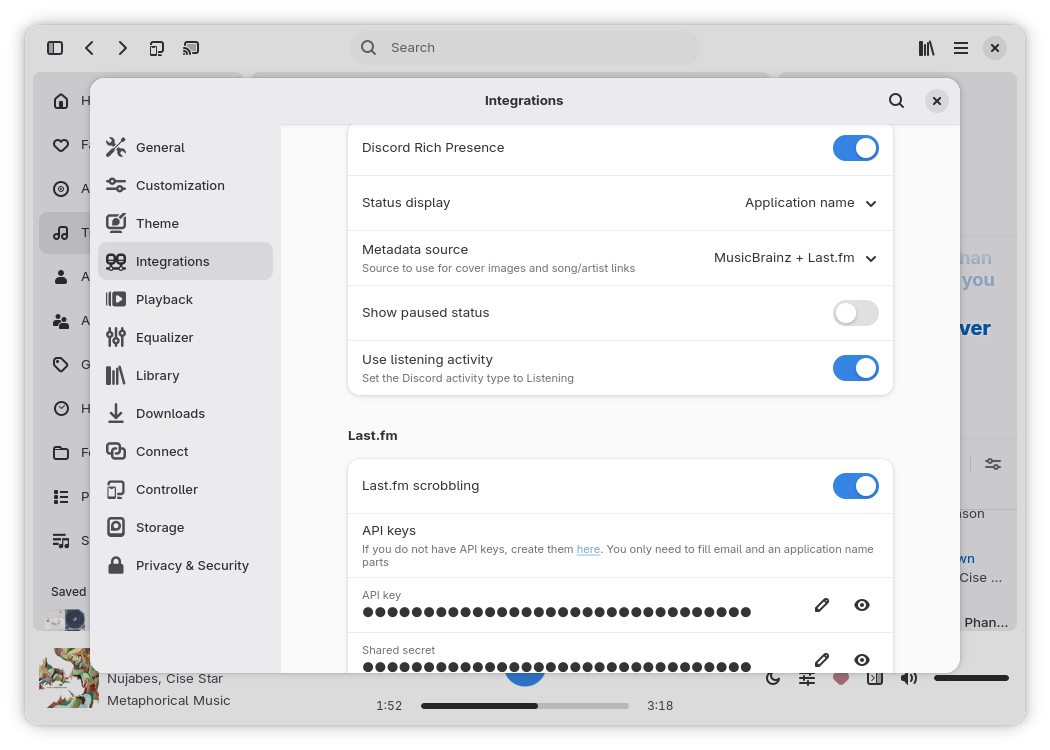
  • Scrobbling: Last.fm, Libre.fm, ListenBrainz, and self-hosted servers with offline storage and automatic retries; Discord Rich Presence
  • System: media controls (MPRIS with lyrics on Linux), tray icon, running in the background; credentials are kept in the system keyring
  • Private mode: temporarily pauses external activity
  • Controller: control playback, browse the library, manage sources and playlists from a browser or the HTTP API, with token authentication; playback stays on the device running Rufin. It also runs without the desktop interface:
    export RUFIN_API_TOKEN="your_token"
    rufin --headless --listen

Library

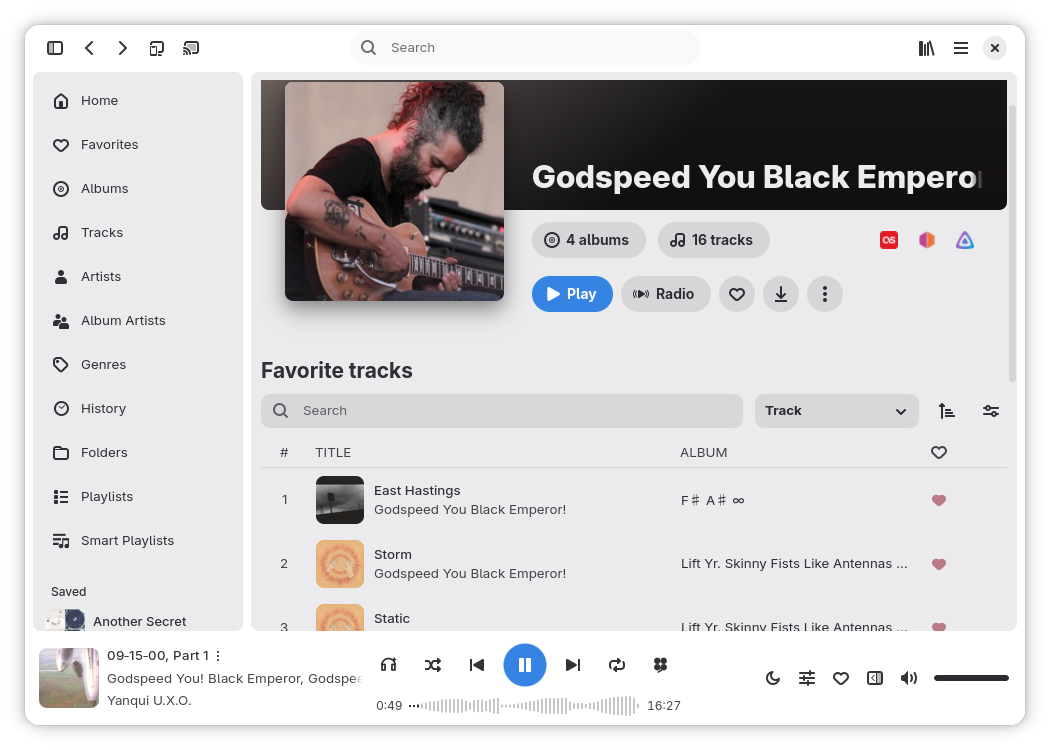
  • Browsing: a customizable Home, Folders, Genres, Moods, History and pins; details pages for tracks, albums and artists
  • Search: search within a route or globally, optionally matching songs by their lyrics
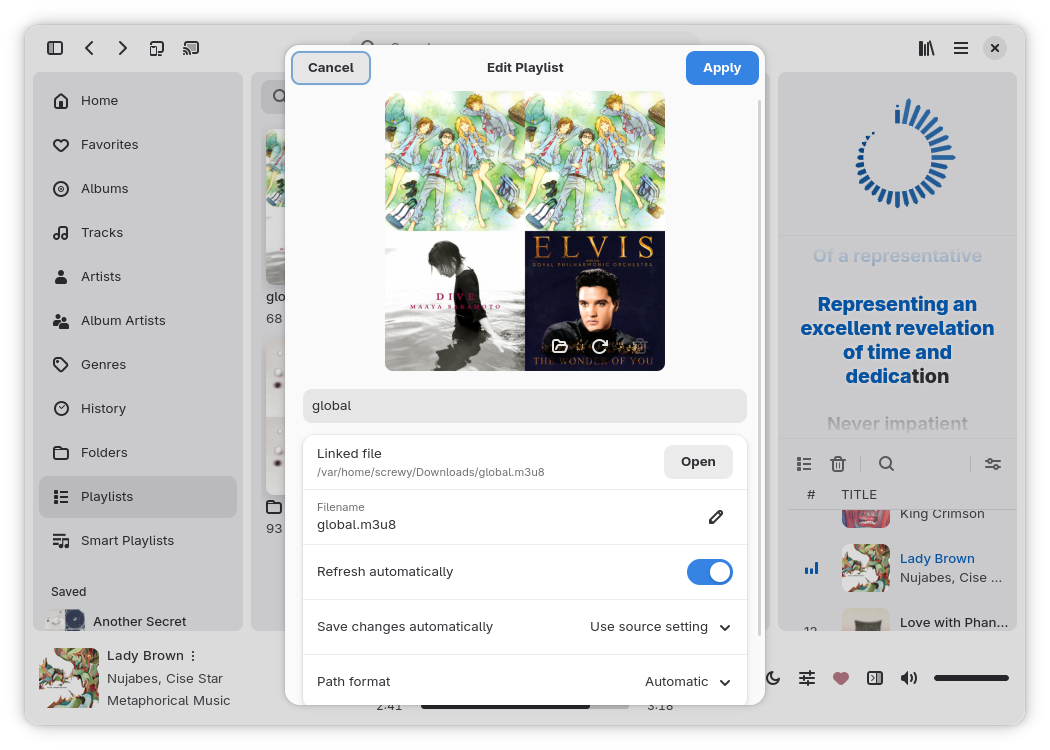
  • Playlists: mix tracks from different sources, organize playlists in folders, import and export M3U, PLS and XSPF
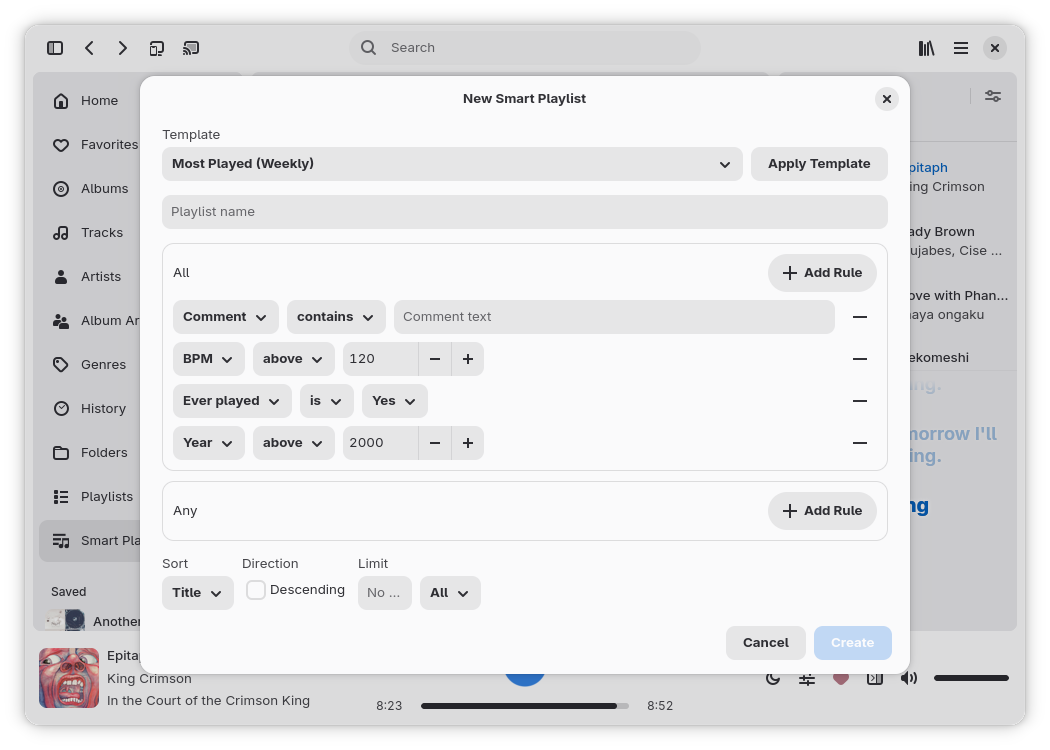
  • Smart playlists: rules on metadata, mood/BPM and play/skip history, with custom sorting and limits
  • Recommendations: track, album, artist, playlist and genre radios from the server or a local fallback
  • Downloads: manual or through automatic rules, with optional transcoding; downloaded music stays playable offline
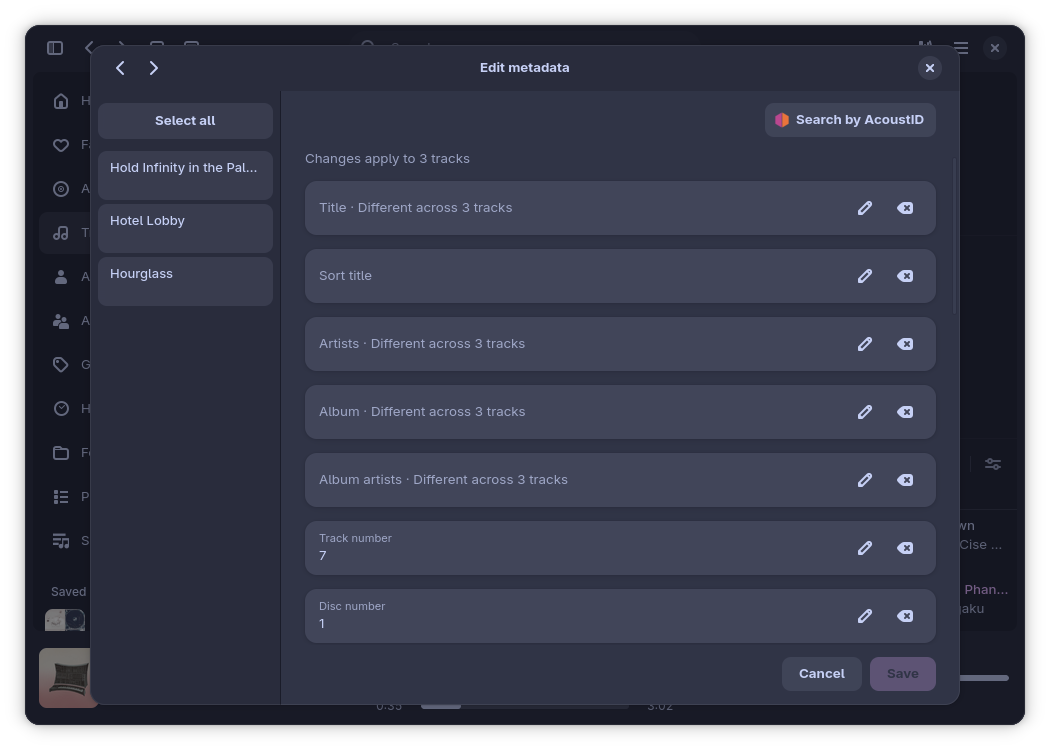
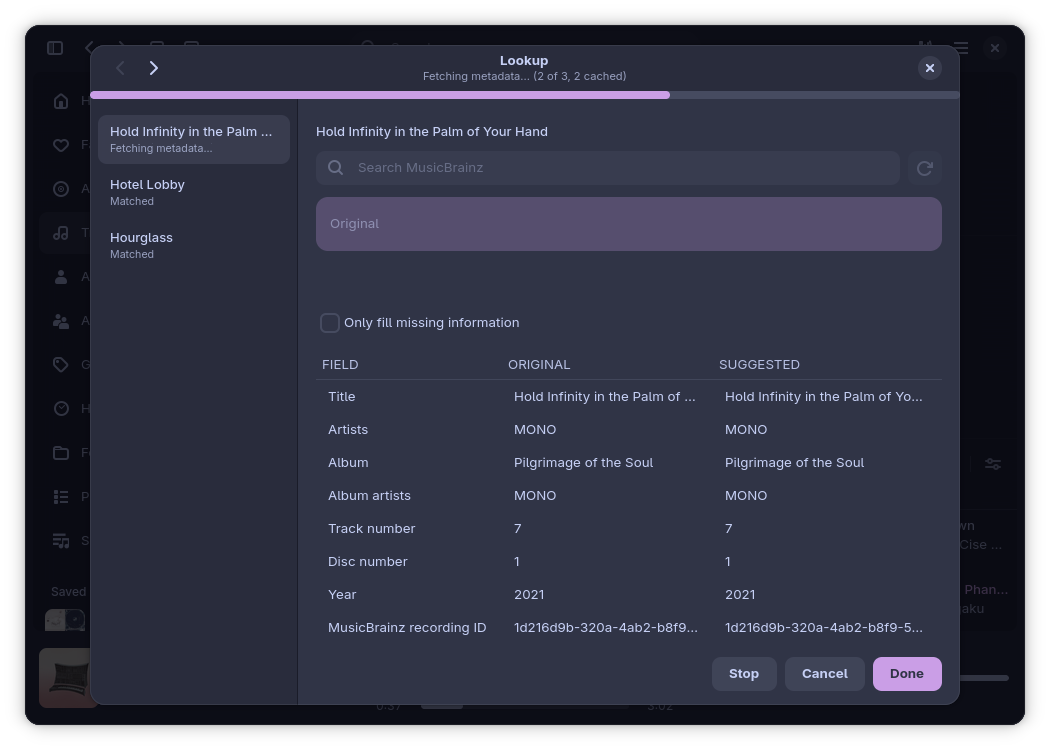
  • Metadata: tag and artwork editor with batch editing, MusicBrainz and AcoustID lookup with on-device fingerprinting; missing artwork and lyrics are fetched automatically
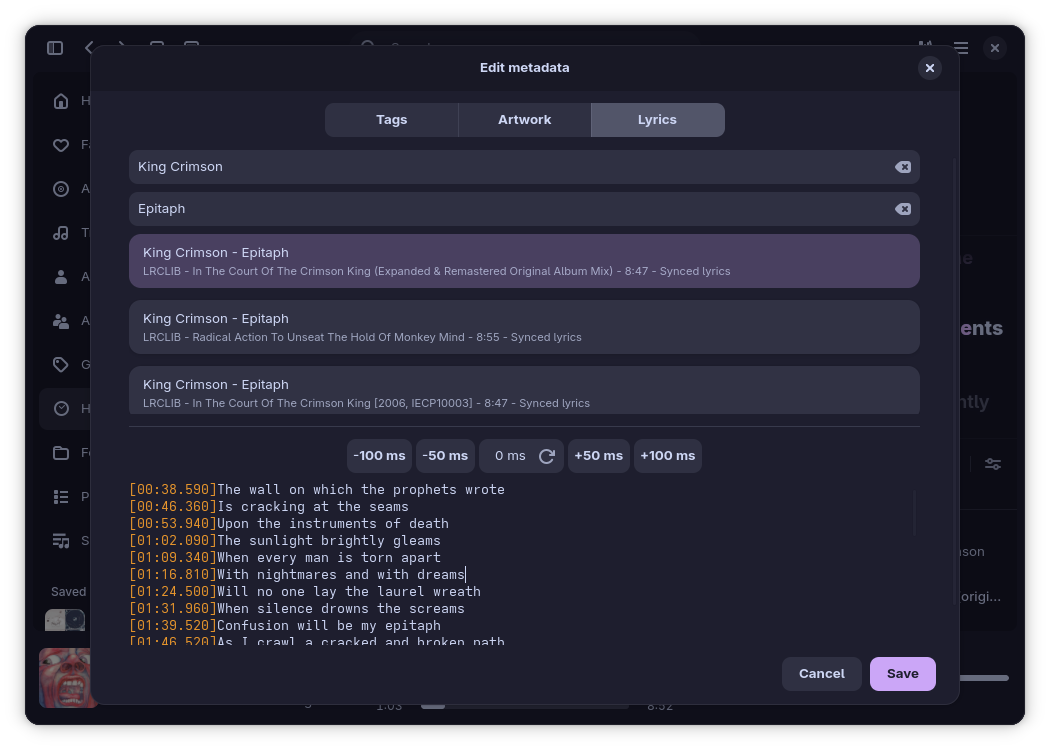
  • Lyrics: synced and word-by-word lyrics with karaoke mode, Furigana/Romaji, translations, online search, editable text and offset; saved as embedded tags or .lrc files
  • Activity: favorites, ratings and listening history; a listening overview you can export as an image, and history as Last.fm/ListenBrainz compatible .csv
  • Sharing: share server links of your tracks, or share the song or selected lyrics as an elegant card for social media on Android
  • Backups: granular import/export including credentials; scheduled and password-protected backups
  • Files: open audio files and playlists as the default player, from the CLI with rufin track.mp4, or by dragging them into the window

Interface

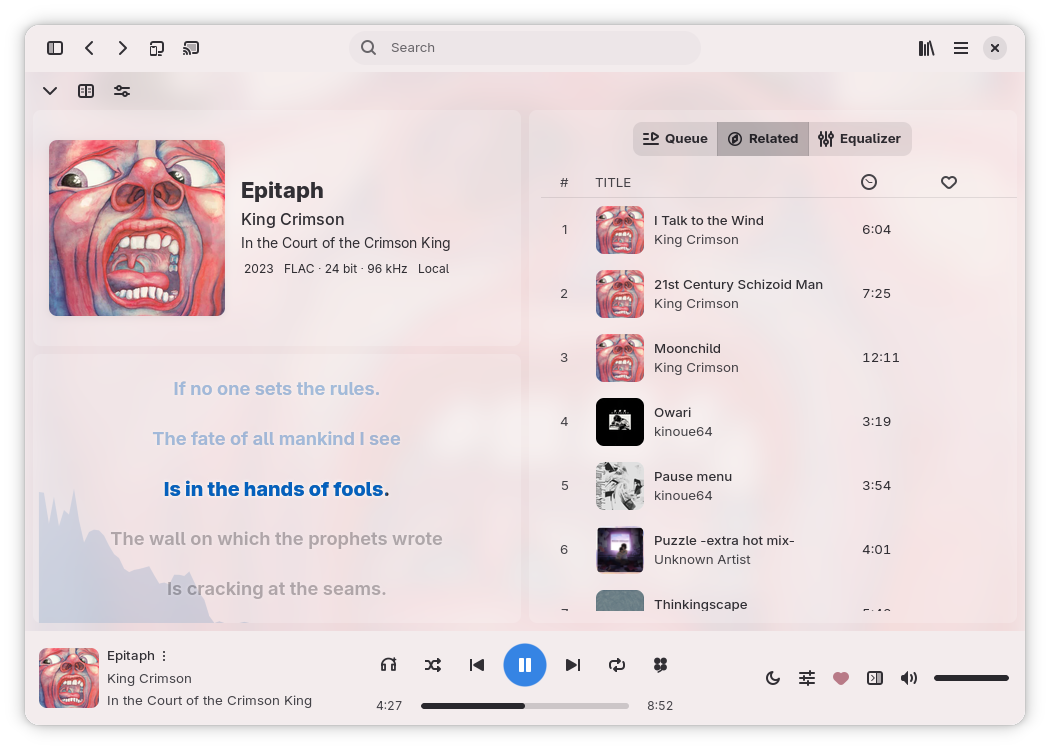
  • Desktop: adaptive layout with an extra mini player, fullscreen player with visualizer and lyrics, themes including custom ones, and an extensive keyboard shortcuts catalog
  • Android: built with Jetpack Compose and reliable in layouts beyond the regular vertical screen: landscape mode, foldables, tablets and TVs

Screenshots

Home
Home
Artist details
Artist details
Artists
Artists
Compact sidebar
Compact sidebar
Fullscreen player
Fullscreen player
Smart playlists
Smart playlists
Playlist settings
Playlist settings
Metadata editor
Metadata editor
Metadata lookup
Metadata lookup
Lyrics editor
Lyrics editor
Equalizer
Equalizer
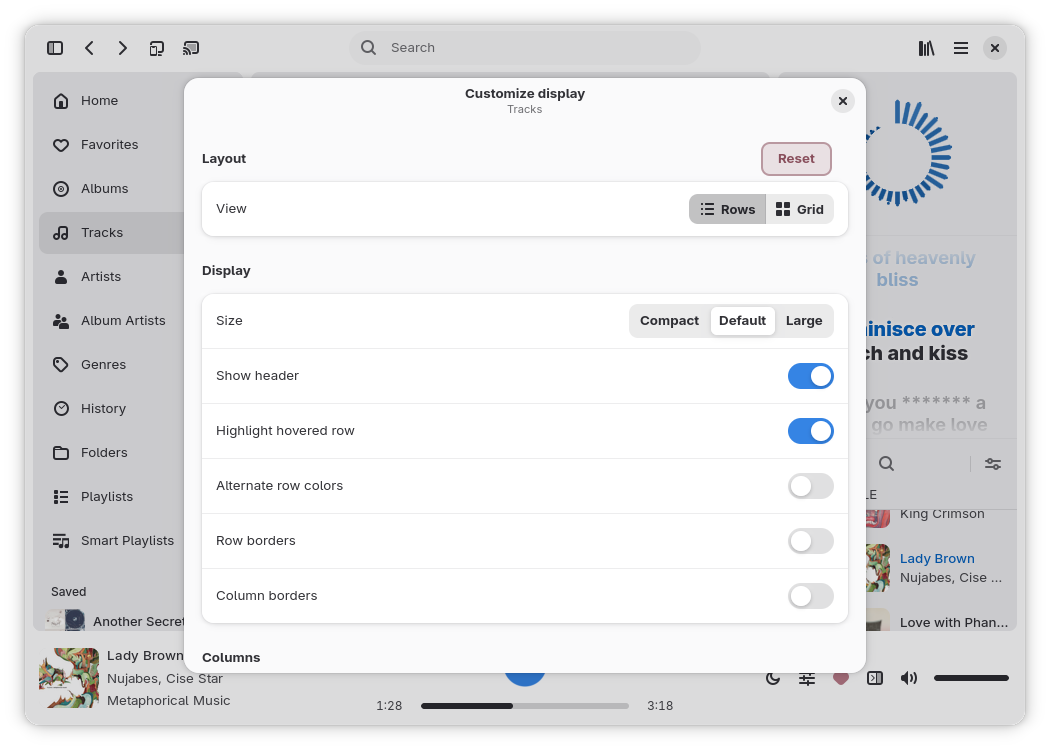
Customize display
Customize display
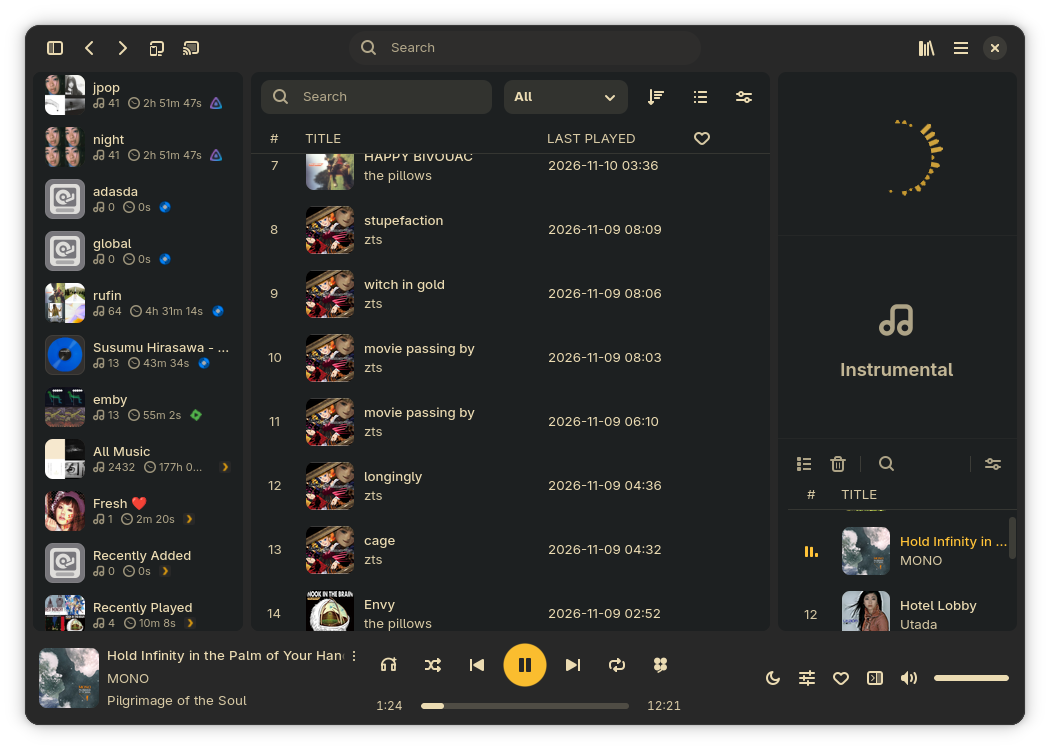
Rearrangeable layout
Integrations
Integrations

Credits

Built with GTK 4, libadwaita, gtk-rs and GStreamer.

Rufin is greatly influenced by Feishin, and a lot of design decisions are directly borrowed, as much as can be achieved natively.

Player backend design and Smart Playlists are inspired by Strawberry (a fork of Clementine).

The icon is designed by Commenter25 and is licensed under CC-BY-SA-3.0.

Translators

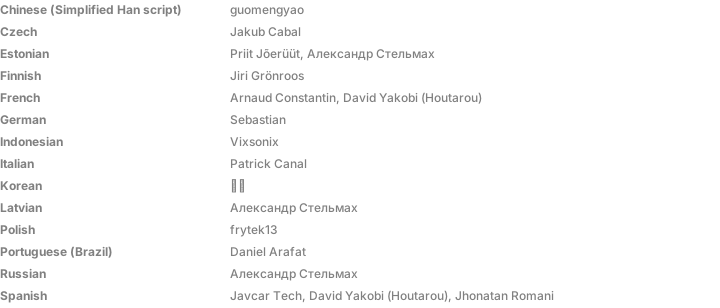
Thanks to everyone translating Rufin on Weblate.

Translators of Rufin by language

License

Rufin is free software licensed under the GNU General Public License v3.0 or later. The source code is available on GitHub.